Home decorators
Before buying four frames for that empty living-room wall, test how the size will actually feel. Which frames sit well next to each other — try it without spending.
Plan a gallery wall at real scale. Upload prints, drag frames into place, and see the full layout before you hang anything.
Upload your prints, place them at real scale, then frame them — preview the gallery wall before you commit.
Drop your images straight from your computer. Nothing leaves your browser.
Lay them out at real wall scale, down to the centimeter. Smart guides handle alignment.
Pick frame color, thickness and mat. See it on the wall before you commit to print.
1 cm on screen always corresponds to a known number of cm on your wall — the scale bar shows you live.
Frame color, thickness and mat — set per image, see the result instantly.
The full design fits inside the URL. No server, no account. Send the link — the other side sees the same wall.
Before buying four frames for that empty living-room wall, test how the size will actually feel. Which frames sit well next to each other — try it without spending.
Stop saying ‘something like this’ and send the link instead. Plan an exhibition layout, portfolio wall or product lookbook in minutes — then share it.
Posters
Here you can browse the different designs we've curated for you.
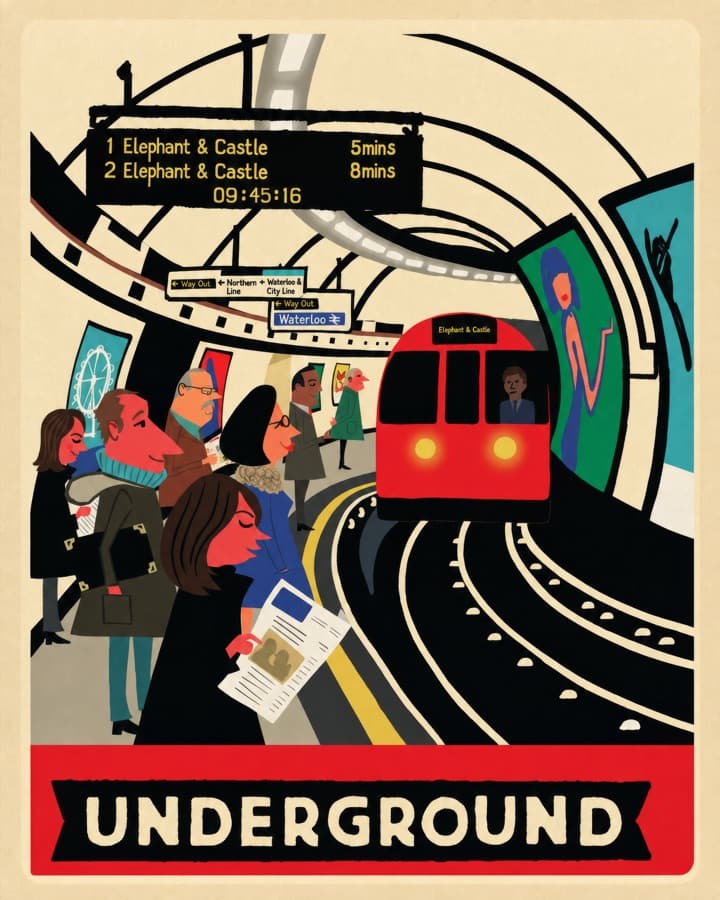
London Tube platform · graphic poster
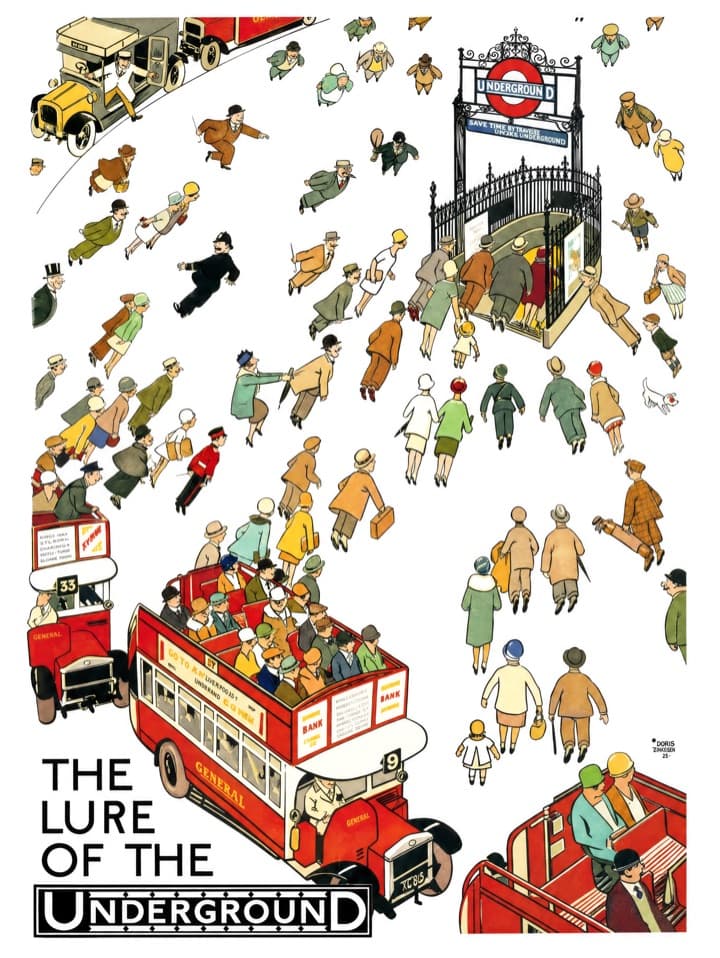
1920s London Underground poster

Seaside clay-court final · illustration
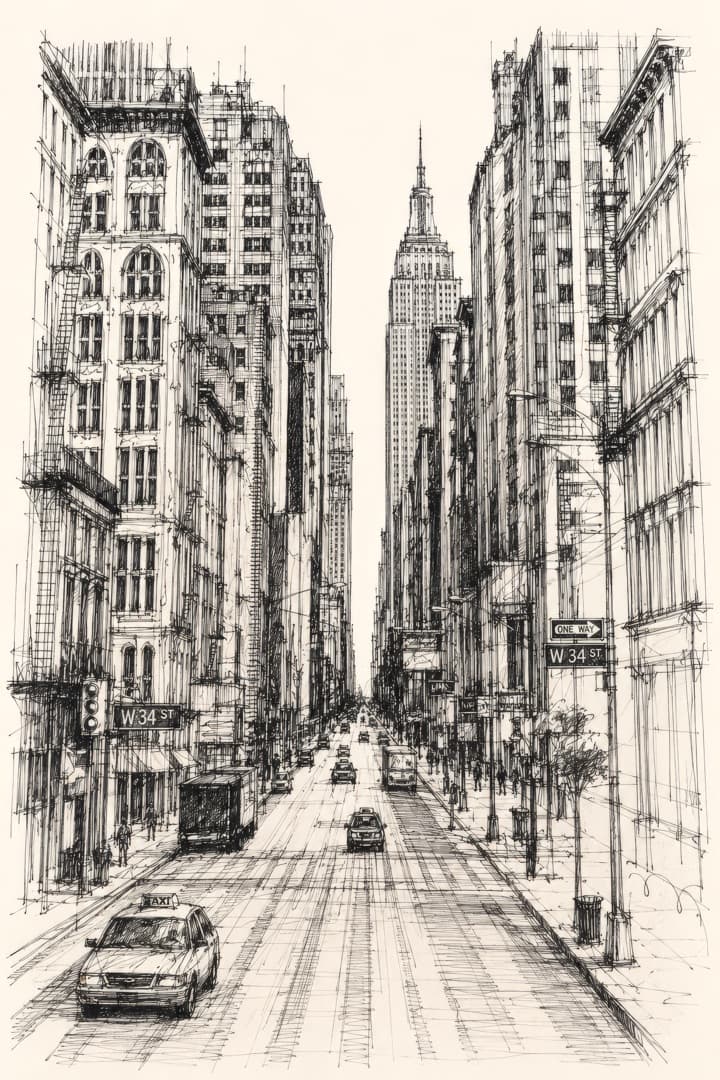
Manhattan street study · pen & ink
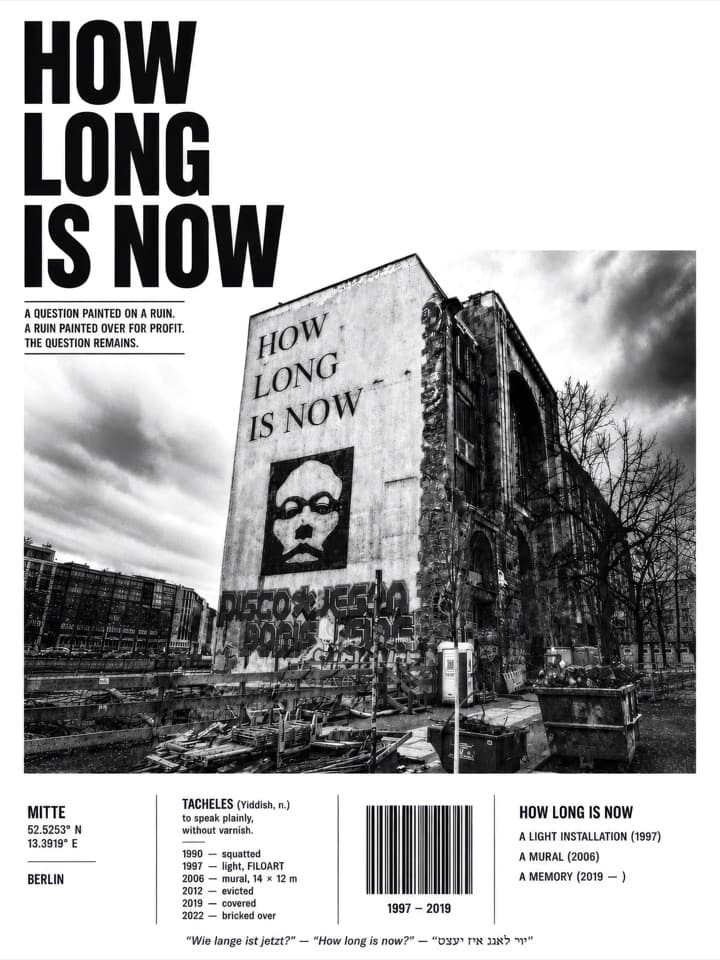
Tacheles, Berlin · editorial photo poster

Many people, one form · flat illustration
No sign up — design a gallery wall online in seconds, before you print.
Start designing